
iPhone · East Village
Sell Your iPhone in NYC
Pro and Pro Max, standard and Plus models, older iPhones and phones with a cracked screen. Bring it to 39 Avenue A, we test it in front of you and pay the same day. Turn off Find My before you come in.
- Same-day cash
- Checked in front of you
- Walk-ins welcome
- Trade toward store stock
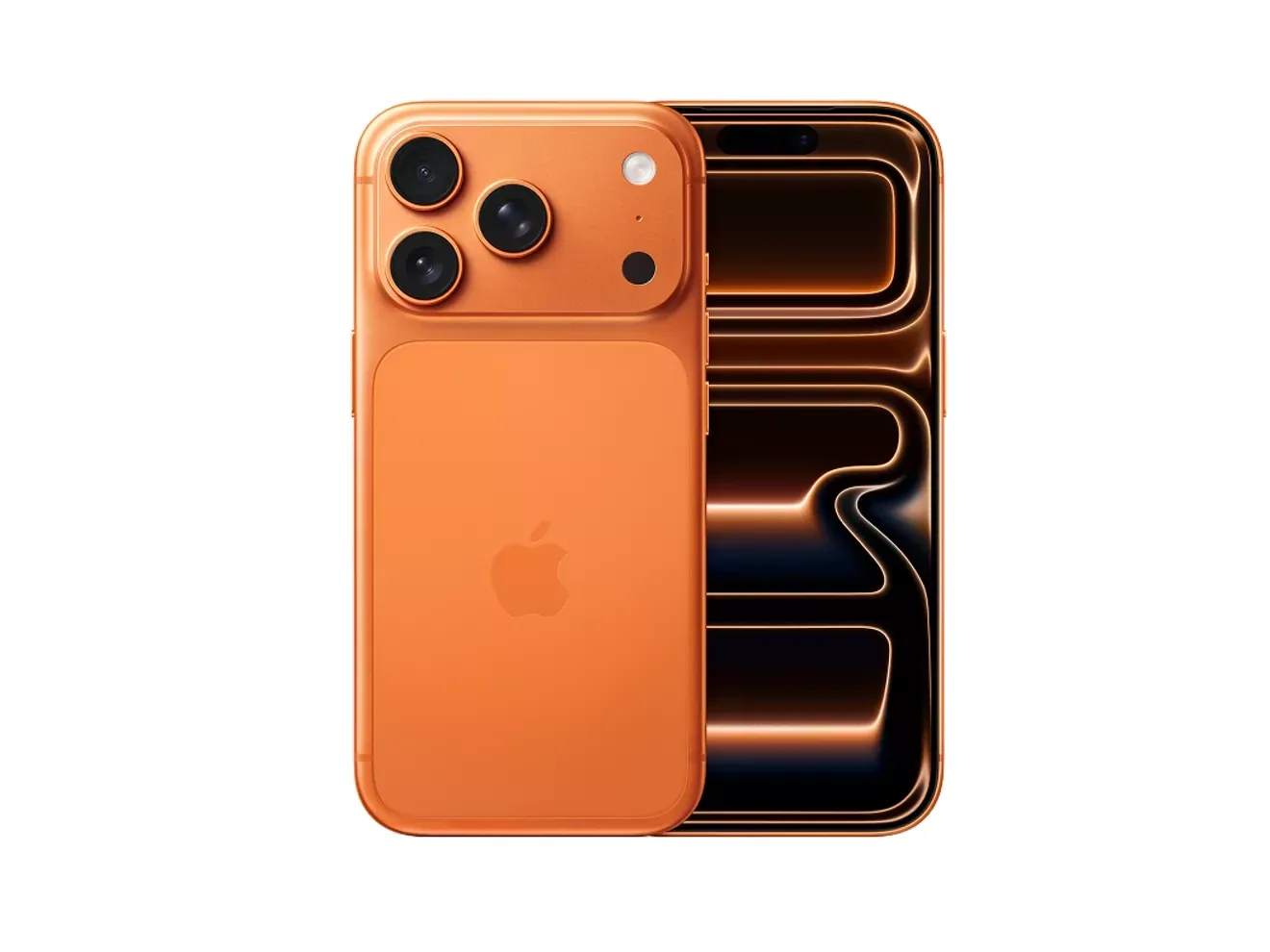
What We Buy
Recent Pro Models to Older iPhones
Every iPhone is tested the same way, but they don't hold value the same way. Recent Pro models in higher storage lead; older phones sell for what a working phone is worth.
Pro & Pro Max
Recent Pro and Pro Max models hold value best, and more storage adds to the offer. A clean screen and a strong battery matter most on these, because the next buyer pays for a phone that feels new.
Standard & Plus Models
The standard and Plus models from the last few generations sell well when they're unlocked and clean. Storage and battery health move the number more than color.
Older iPhones & SE
Phones a few generations back and the iPhone SE still sell, mostly as working phones. Once a model stops getting the current version of iOS, its value drops faster.
Cracked & Damaged
Cracked screens and backs sell with the repair cost taken out of the offer. Other problems depend on the issue, so text a photo and tell us what's wrong.
Pricing
What Moves an iPhone Offer
Two phones of the same model can be far apart in value. Here is what decides it.
- Model and storage
- The model and storage set the starting point. Settings > General > About shows both.
- Carrier lock
- Unlocked phones bring the most. Carrier-locked phones are case by case. A phone still being paid off usually stays locked to its carrier until the balance is cleared.
- Battery health
- Settings > Battery shows maximum capacity. Under 80% usually means the battery is due for replacement, and the offer reflects that. iPhone 15 and later also show the cycle count under Settings > General > About.
- Screen
- Cracks, dead pixels, lines, burn-in and touch problems lower the offer. An original Apple screen is worth more than a replacement.
- Parts and service history
- Settings > General > About lists replaced parts. A part marked Unknown is not a genuine Apple part, and it lowers the number.
- Face ID and cameras
- Face ID that stopped working after a drop or a repair, a cloudy camera lens and dead speakers or microphones all come off the offer.
Not sure which model you have? Settings > General > About shows the model name and storage. Text it with photos to 917-608-8939.
How We Check It
How We Test an iPhone
We test the phone at the counter with you there and explain anything that changes the offer.
- Activation Lock: Find My off and the phone signed out of your Apple Account
- IMEI status: whether the phone is blacklisted as lost, stolen or unpaid, and which carrier it's locked to
- Battery health and, on newer models, cycle count
- Parts and Service History for anything marked Unknown
- Screen, touch, Face ID, cameras, speakers, microphones, buttons and charging port
Get Ready
Before You Bring It In
A phone with Activation Lock on can't be reset or used by anyone else, so turn off Find My before you come in. If Stolen Device Protection is on, turn it off first. Away from home or work that starts a security delay of about an hour, so do it before you leave the house.
- Back up to iCloud or a computer
- Move your eSIM or SIM to your new phone and check that it works
- Turn off Stolen Device Protection, then Find My, and sign out of your Apple Account; we can help with the reset at the counter
- If the phone is financed, check with your carrier that it's paid off
- Bring a valid government-issued ID; New York law requires it for every sale