
MacBook · East Village
Sell Your MacBook in NYC
MacBook Air and MacBook Pro, Apple silicon and Intel, any screen size, plus iPads. Bring it to 39 Avenue A, we power it on and test it in front of you and pay the same day. Turn off Find My before you come in.
- Same-day cash
- Checked in front of you
- Walk-ins welcome
- Trade toward store stock
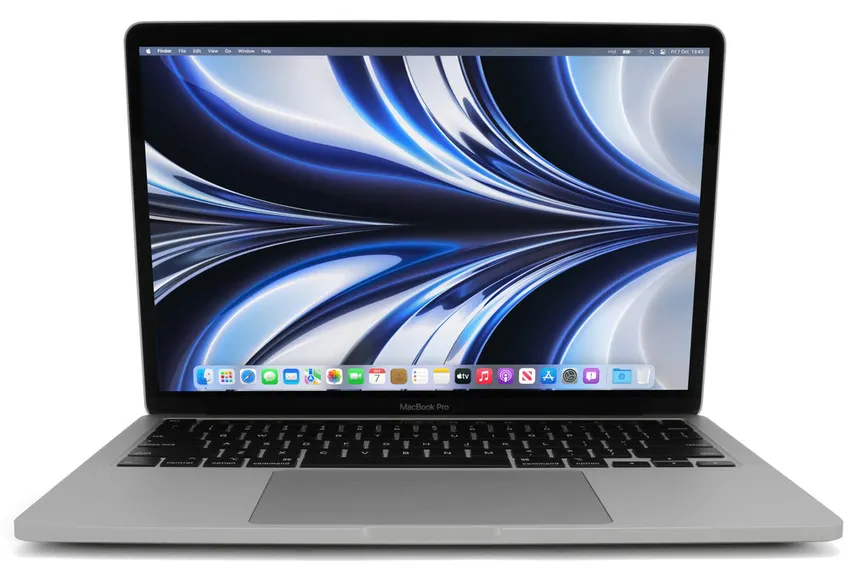
What We Buy
Apple Silicon, Intel and iPad
Apple moved the MacBook from Intel chips to its own M-series chips starting in late 2020. That switch is the biggest line in MacBook value today.
MacBook Pro
The 14- and 16-inch models lead, especially with Pro and Max chips, followed by the 13-inch M-series models. More memory, more storage and a higher-tier chip all add to the offer.
MacBook Air
Every M-series Air, from the 2020 M1 to the 13- and 15-inch models. Airs sell easily, and a clean battery and an unscratched screen carry a lot of the offer.
Intel MacBooks
Intel MacBooks still sell, but for less each year. Apple has said macOS Tahoe is the last major macOS release for Intel Macs, and buyers price that in.
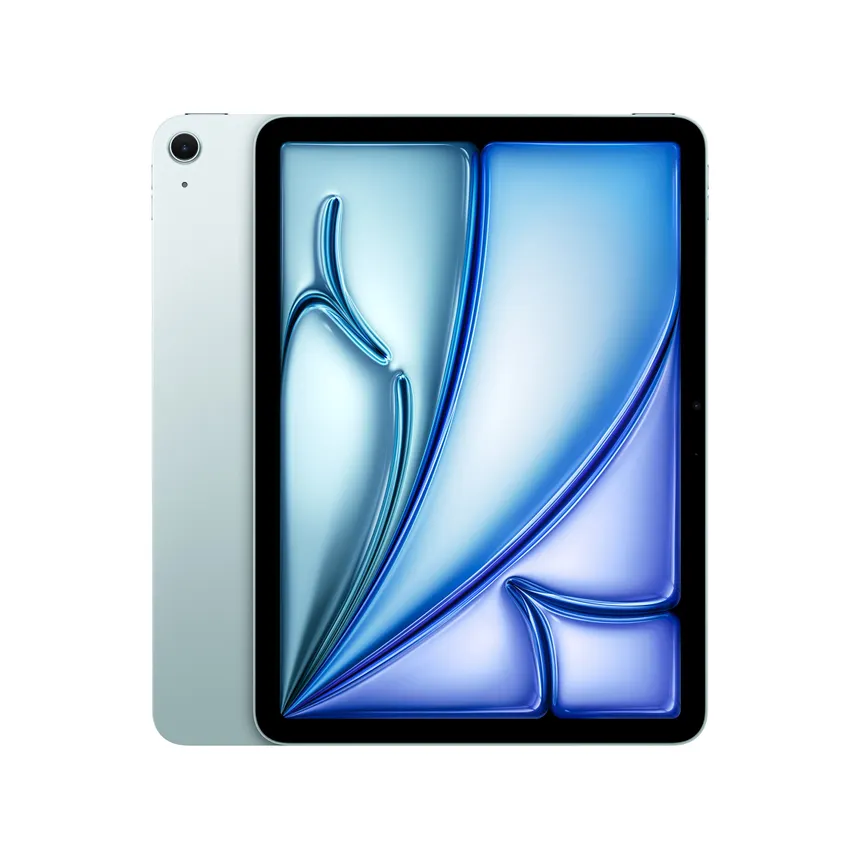
iPad & iPad Pro
iPad Pro, iPad Air, iPad and iPad mini, Wi-Fi or cellular. The same Activation Lock rules apply. Bring the Apple Pencil and keyboard if you're selling them too.
Pricing
What Moves a MacBook Offer
Two MacBooks that look identical closed can be far apart in value. Here is what decides it.
- Chip and year
- Apple silicon versus Intel comes first, then the chip generation and tier. About This Mac in the Apple menu shows the chip and the year.
- Memory and storage
- On every Apple silicon MacBook, memory and storage are built into the board and can't be upgraded later, so the configuration it was bought with stays with it. More of both brings more.
- Battery
- Apple rates most recent MacBook batteries for 1,000 charge cycles. The cycle count and condition are in System Information under Power. A battery under 80% lowers the offer, but we still buy working MacBooks.
- Screen
- Cracks, pressure marks, dead pixels and backlight problems lower the number. Some older Retina models also show a worn anti-reflective coating.
- Keyboard and trackpad
- Intel models from 2016 to 2019 used the butterfly keyboard, and sticky or dead keys are common on them. We test every key.
- Charger and condition
- The original Apple charger and cable add to the offer. Dents on the corners and deep scratches on the lid come off it.
Not sure which MacBook you have? Apple menu > About This Mac shows the model, chip, memory and serial number. Text a photo of that screen to 917-608-8939.
How We Check It
How We Test a MacBook
We power it on and go through it with you at the counter, and explain anything that changes the offer.
- Activation Lock: Find My off and the Mac signed out of your Apple Account
- Remote Management: whether the Mac is enrolled in a company's device management
- Chip, memory, storage and serial number
- Battery cycle count and condition
- Screen, keyboard, trackpad, ports, speakers, camera and charging
Get Ready
Before You Bring It In
A Mac with Activation Lock on can't be reset or used by anyone else, so turn off Find My before you come in. If the Mac came from an employer or school, it may be enrolled in their device management. After a reset it will ask to rejoin, and only the organization can release it.
- Back up with Time Machine or copy your files off
- Turn off Find My and sign out of your Apple Account
- On Apple silicon and T2 Macs: System Settings > General > Transfer or Reset > Erase All Content and Settings, or we can help at the counter
- Bring the charger and cable
- Bring a valid government-issued ID; New York law requires it for every sale